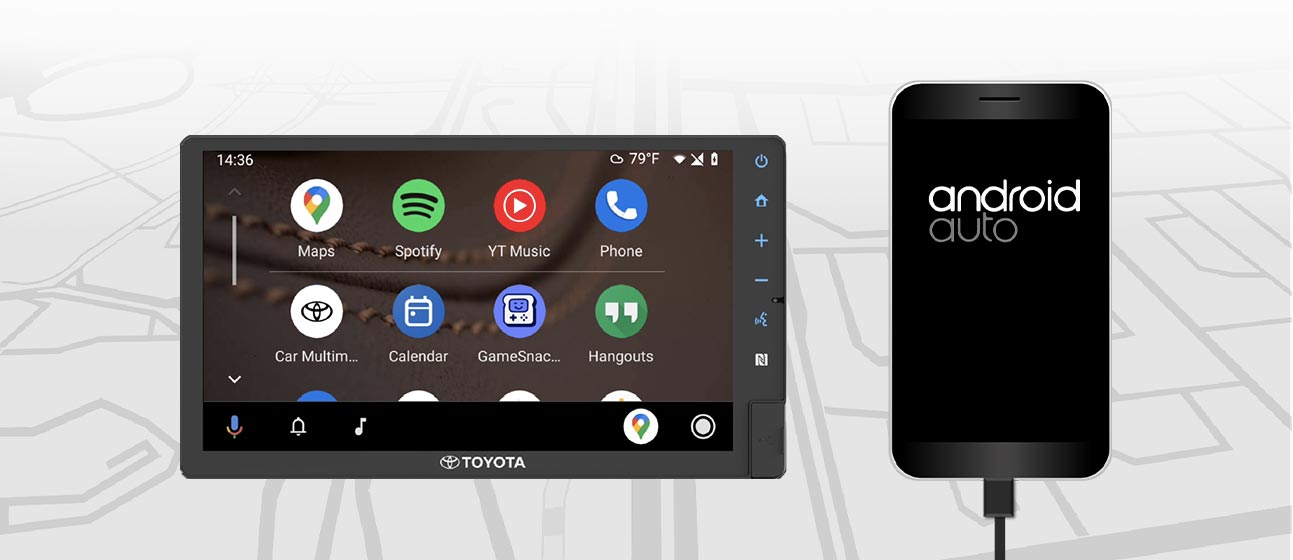
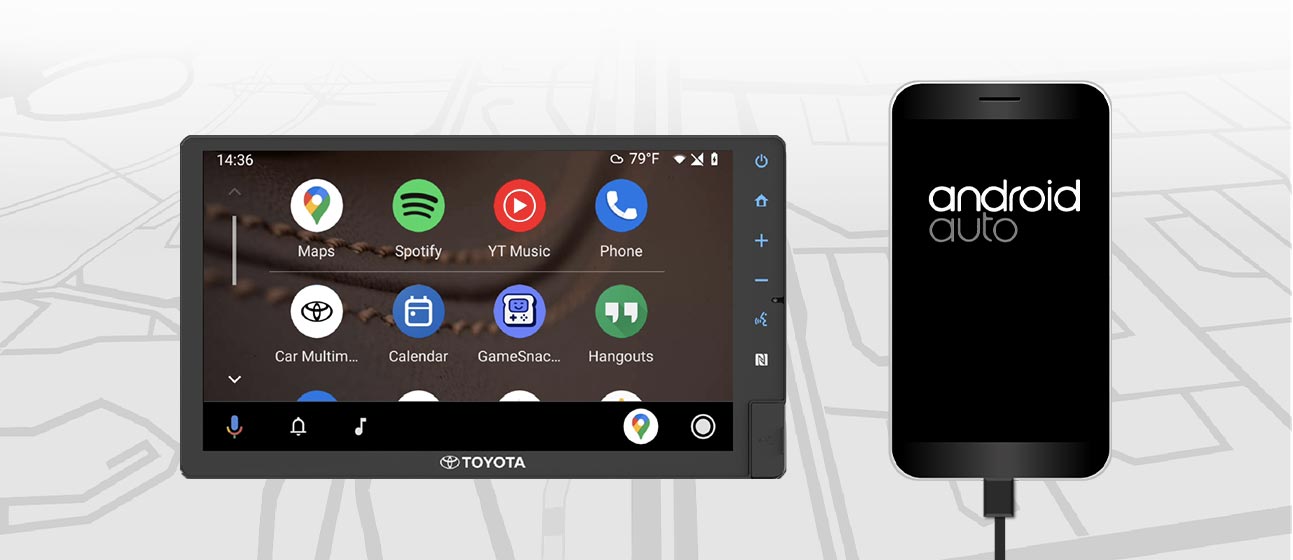
What is Android Auto™?
Toyota’s latest infotainment system delivers enhanced convenience in automotive connectivity, giving you seamless access to your favorite applications right from your vehicle. With Android Auto, you can enjoy music, view navigation, and access media across a variety of apps—helping you stay focused and connected on every journey.
How do you connect with Android Auto?

1. Check your vehicle
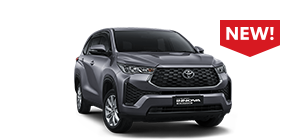
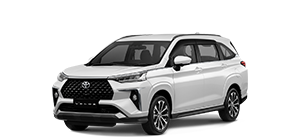
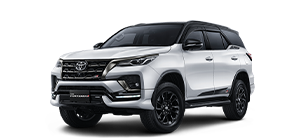
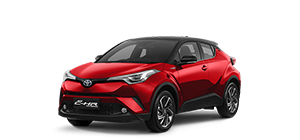
Ensure your vehicle or stereo system supports Android Auto. Check below to view compatible Toyota models.

2. Check your smartphone
If you are using Android™ 9 or earlier, download the Android Auto app on your smartphone. For Android 10 and above, Android Auto is already built-in, so no additional app is required to get started.
3. Connect
Connect your smartphone to your vehicle using a USB cable and access Android Auto on your dashboard display. Some smartphones also support wireless connectivity.
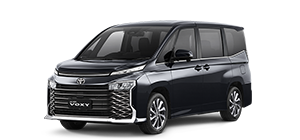
Toyota Models with Android Auto
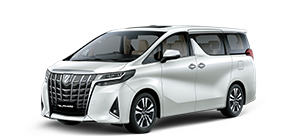
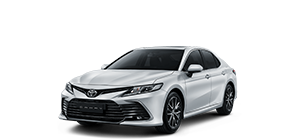
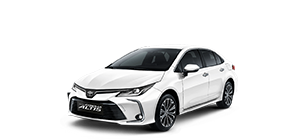
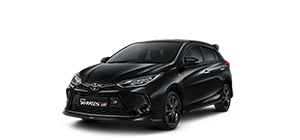
Frequently Asked Questions
- Android smartphone with Android 8.0 or higher and an active data plan.
- A vehicle or stereo system compatible with Android Auto.
- A high-quality USB cable.
- (For wireless connection) A compatible smartphone and aftermarket car stereo from JVC, Kenwood, or Pioneer.
- Android smartphone with Android 8.0 or higher and an active data plan. You can check your software version in the About Device section under Settings.
- A car mount for your smartphone (optional but recommended).
- A USB cable (optional for charging).
- Open the Google Play Store;
- Download the Android Auto app;
- Launch the app anytime while you are on the go.
For most compatible vehicles or aftermarket stereos, simply connect your smartphone using a USB cable. If your vehicle display supports wireless connection, you will need to pair your smartphone with your vehicle via Bluetooth for initial setup. Once set up, depending on your vehicle, your smartphone will either connect automatically or the Android Auto app icon will appear on your vehicle display.
Android Auto makes it easy to access your favorite music, media, and messaging apps while in your vehicle. Apps such as Spotify, YouTube Music, Waze, Google Maps, and WhatsApp are supported on Android Auto. Explore more apps here.
*Google, Android, Android Auto, YouTube Music, and other marks are trademarks of Google LLC.
*To use Android Auto wirelessly on your vehicle display, you will need a compatible Android smartphone with an active data plan. You can check compatible devices at g.co/androidauto/requirements.
*To use Android Auto on your vehicle display, you will need an Android smartphone running Android 8.0 or higher, an active data plan, and the Android Auto app.
*For more information, please visit https://www.android.com/auto/